Revamped Build Monitor plugin

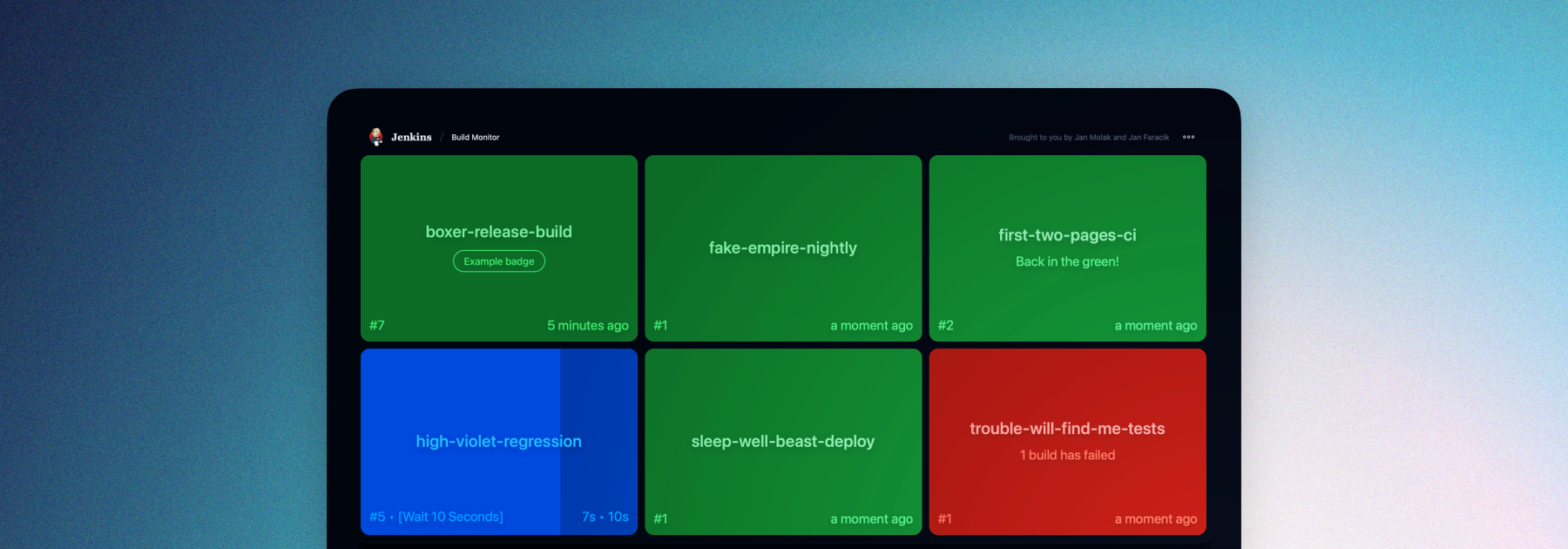
We’re excited to announce a major update to the Build Monitor plugin - a complete redesign that refreshes its big-screen view with a cleaner, more modern interface for following build statuses.
So what’s new?
Rewritten and redesigned
Originally created for Jenkins 1 and powered by AngularJS, the plugin has now been completely rebuilt in React. The redesign uses components from the Jenkins Design Library and aligns with the new Jenkins interface, delivering a cleaner look, smoother navigation, theme support, and a more maintainable foundation for future development.
Customization
Build Monitor is now theme-aware - allowing you to match its appearance to your Jenkins theme.
Check out some of the themes available for Jenkins:
-
Dark theme - A sleek, modern look that’s easy on the eyes.
-
Solarized theme - Ethan Schoonover’s beloved, balanced theme returns with a fresh release for Jenkins.
-
Catppuccin theme - A soothing pastel theme for Jenkins.
-
Chocolate theme - Indulge your Jenkins in rich, dark tones with golden highlights for a refined and elegant developer experience.
-
Nord theme - A clear, uncluttered, and elegant design to achieve undisturbed focus and excellent readability.
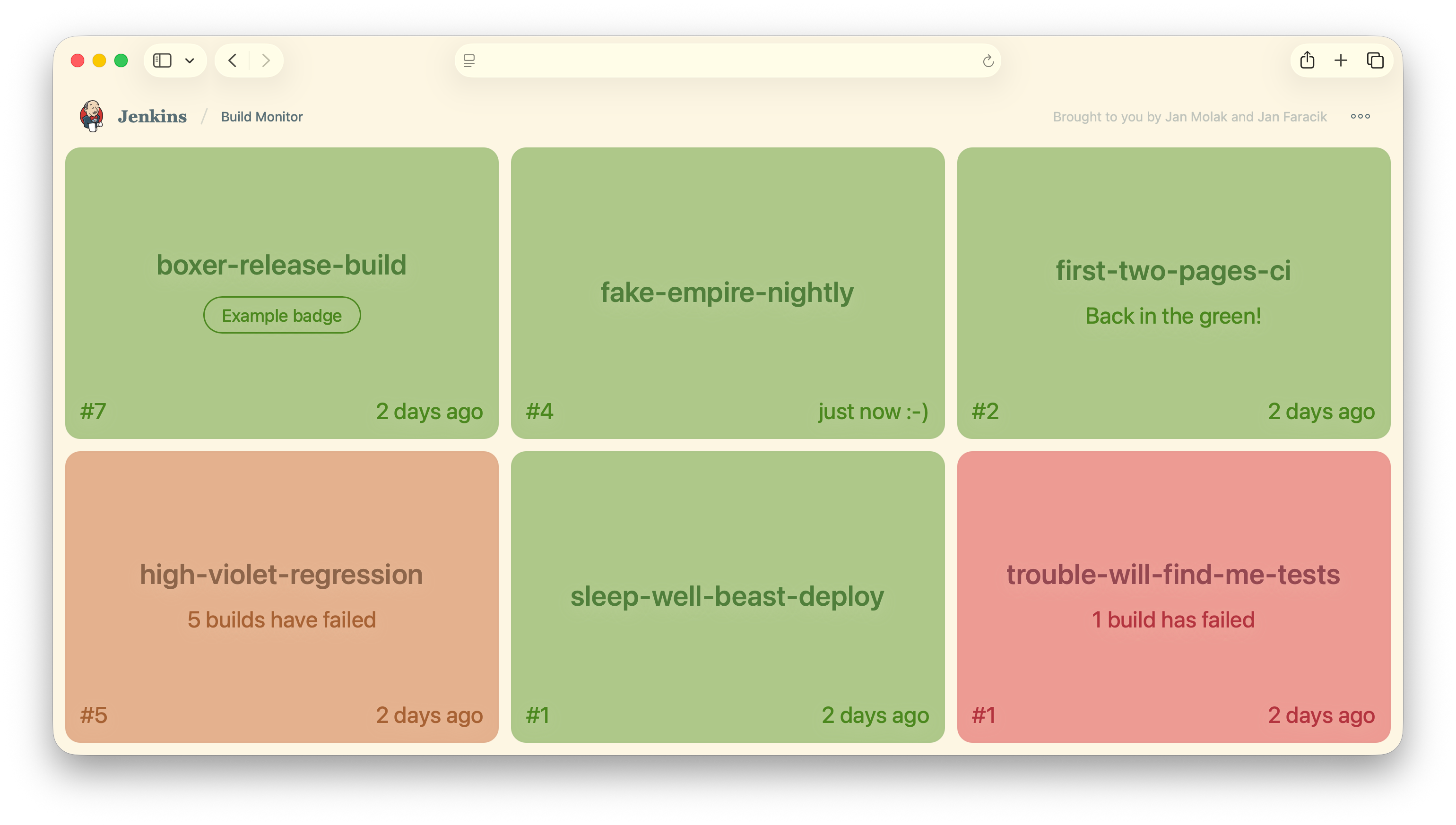
Build Monitor now also supports Customizable Header plugin, allowing you to customise the header shown in the monitor.
And more!
Build Monitor now displays the view description and introduces several long-requested improvements, including customizable auto-refresh, user avatars, and colorful badges, making the dashboard more informative and easier to scan at a glance.
Available now 🚀
The update is available now for users on Jenkins 2.516.3 and later.
If you want to get involved in the UI and UX discussions of Jenkins join the User Experience SIG.
Take advantage of new components and patterns in your plugin via the Design Library.
About the author